


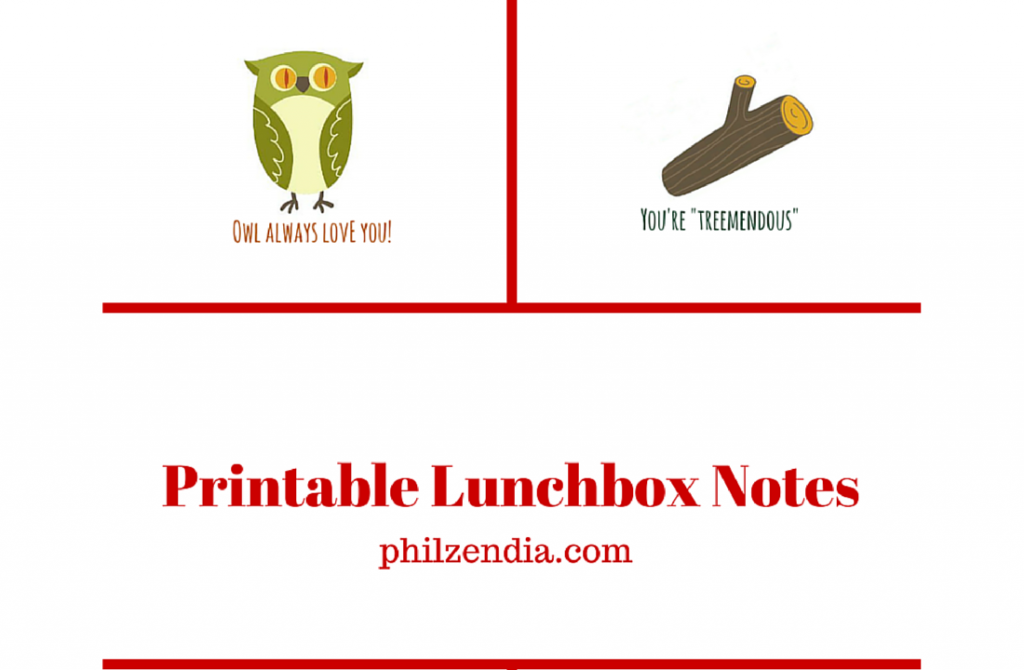


To create my printables, I signed up for the free 7-day trial and downloaded the Autumn forest design pack.


From there, I extracted the images I wanted to use using the Windows Snipping Tool as well as PicMonkey. Next I did a search online for some animal puns I could use. I then used Canva to create each printable. The font I used is called “Amatic Small Caps.”


Finally, I arranged them in a collage. I really like how they came out and I didn’t have to use Photoshop or any other complicated software package to create them. You can do the same. In fact, I’m hosting a giveaway for a $25 Amazon Gift Card. Here’s what you need to do to be eligible to win.
1. Sign up for the 7-day free trial (leave a comment stating that you signed up as an entry)
2. Pick one of these images to come up with a project idea:
Summer Travel Design Stock Image
Set Of 4 Nautical Cards Stock Image
Seamless Pattern With Leaf Stock Image
Set Of Vector Frames Stock Image
Vector Restaurant Menu. Retro Style Design Stock Image
Paper Cruise Liner At Night Stock Image
Wedding Graphic Set Stock Image
Autumn Forest Stock Image
Wedding Graphic Set Stock Image 2
Photo Frames On Rope Stock Image
3. Leave a separate comment below, sharing your challenge project idea and a link to an additional image you would use to complete your project.
4. Bonus entry if you create a collage with the images and upload to social media using #GraphicStockChallenge (leave the link to your social media share as a separate comment.)
Giveaway extended. Giveaway ends on Thursday, September 3rd at 11 pm ET.
I can’t wait to see what you all come up with!
To download your free printable lunchbox notes for boys just click on the image below!

