The reviewer has been compensated in the form of a Best Buy Gift Card and/or received the product/service at a reduced price or for free.
It is hard to imagine life without the Internet. This technology has had an impact on every aspect of life these days. Take the case of our homes these days. As technology develops, we are bringing more and more internet-enabled devices into our homes. I have a whopping nineteen internet-enabled devices in my home as we speak. The presence of these devices can make your home network vulnerable to hackers. Here are a few tips to help secure your home network and keep your family safe online.

Change Router's Admin Username and Password
Many wireless routers come with default preset administrator username and passwords. Hackers can easily guess what they are to gain access to your router. This is why it is so important to change them. I hate to admit that I never changed this setting on my router. Of course, I'm changing it now. When changing your password, make sure that you choose a strong password. Be creative and use a combination of different cases of letters, along with different symbols and numbers to make your password strong in the true sense of the word. It is also a good idea to change your password often to keep hackers at bay.
Change the network name
The network name or SSID is the name of your wireless network. Oftentimes, people will keep the default factory settings like “Linksys” or “Netgear.” Knowing the exact network can make it easier for a hacker to break into it. Be sure to change the SSID name from the default for an added layer of protection. I changed mine to a really fun name.
Secure Guest Networks
Most home routers come with a “Guest Mode” that allows you to create a separate username and password that you can give to a someone without giving them your main wifi passcode. But Guest Modes are often insecure so it's best to change it the minute you set the router up. Luckily my guest network is secured with a password. I just needed to make the password a little stronger.
Turn off the router when on vacation
A lot of people make the mistake of not disabling their network when they are on vacation, which leaves their home network vulnerable. Don't make this mistake. You should always turn off your router to secure your home network if you are going to be away for a few days.
Use a Firewall
A firewall protects your computer from being attacked over the internet by hackers, viruses, and worms. It enhances your home network security by finding and plugging security gaps found in your connected devices. One such device that you should consider is CUJO. CUJO is a smart plug-and-play firewall device. This personal firewall will secure every digital device that is connected to the WiFi in your home. It is designed to block malicious sites, viruses and hacks. It is built with 1 GB ethernet which means it won't slow down your internet.
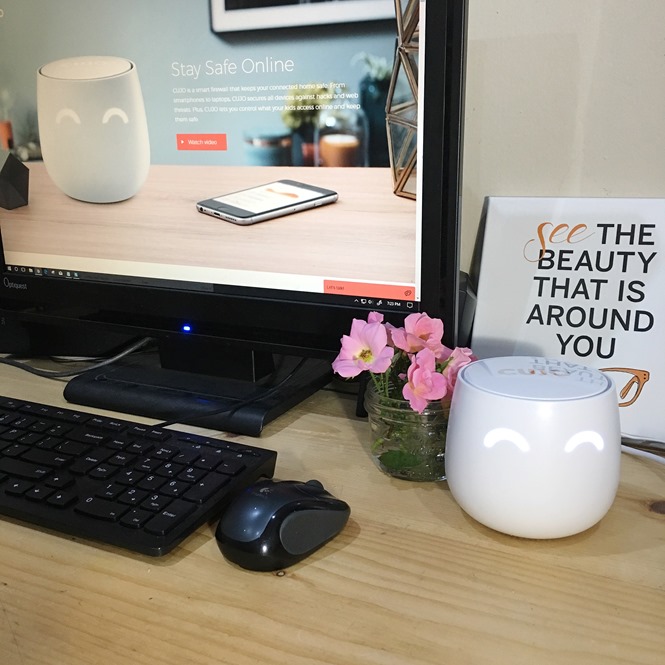
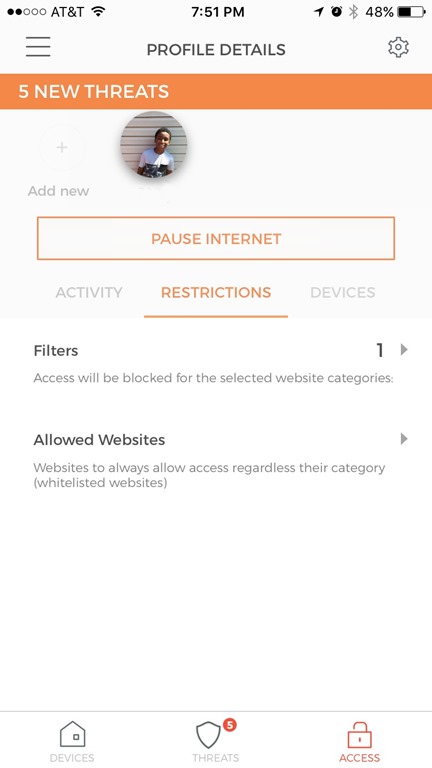
I found it very easy to install. Once you install CUJO to your router, you can control the device via an app on your phone. With the app, you can control and monitor all devices on your network and receive instant threat notifications. You can also set parental controls for select devices.